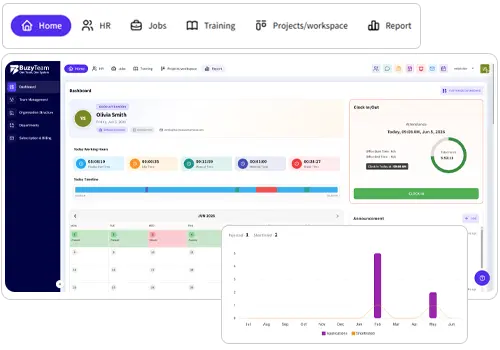

Access automatically tracked time reports in the online dashboard or simply download in any format and share with your team.

BuzyTeam for  Windows
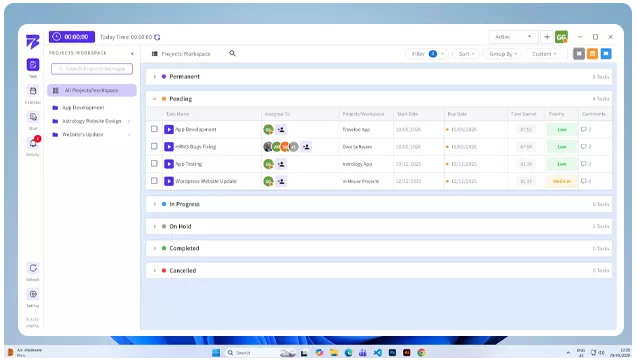
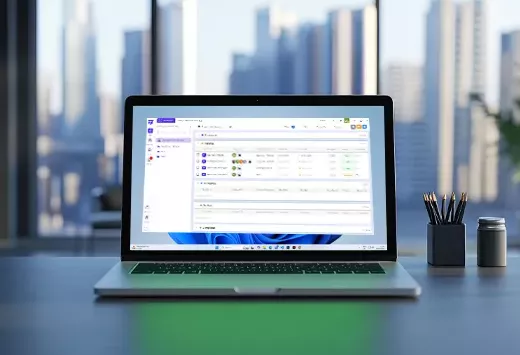
Manage your workforce seamlessly with BuzyTeam’s Windows Time Tracking App. Compatibility with all available features on all Windows devices makes workforce management efficient.
Compatibility At Its Peak
Track Team’s Work in Real Time on Windows
Leverage the benefits of fully functional time tracking features for Windows. Run this robust desktop app on any Windows version 2000/XP or newer.
- Windows 8
- Windows 8.1
- Windows 10
- Windows 11
Easy to Use
How BuzyTeam’s Windows Time Tracking App Works
Gain your team’s productivity using highly intuitive BuzyTeam’s Windows time tracker!

-
01Steps: 01Set up your account
Sign up for BuzyTeam using your credentials.
-
02Steps: 02Hassle Free Download
Download BuzyTeam Windows time tracker on your system.
-
03Steps: 03Start the Timer in One Click
Track your time while working for accurate productivity insights.
-
04Steps: 04Add Details
You can add details related to your tasks, projects, and billable hours in seconds.
-
05Steps: 05Extract Reports for Detailed Analytics
Login to your app’s dashboard to extract data saved in reports. Generate daily reports from screenshots, activity, timesheets and URL tracking.
Gain Maximum Visibility
Discover More From Detailed Time Reports to Manage Workforce
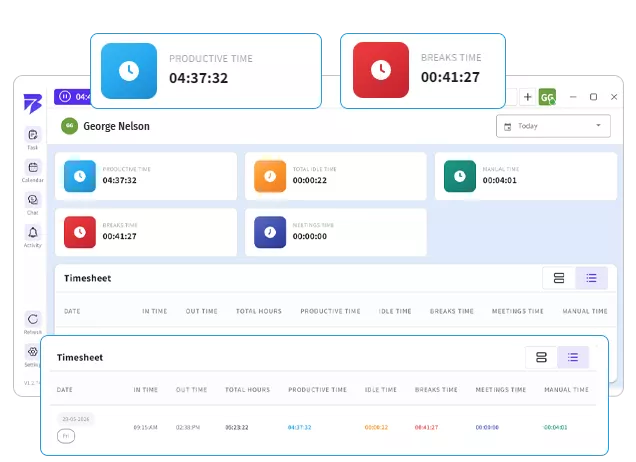
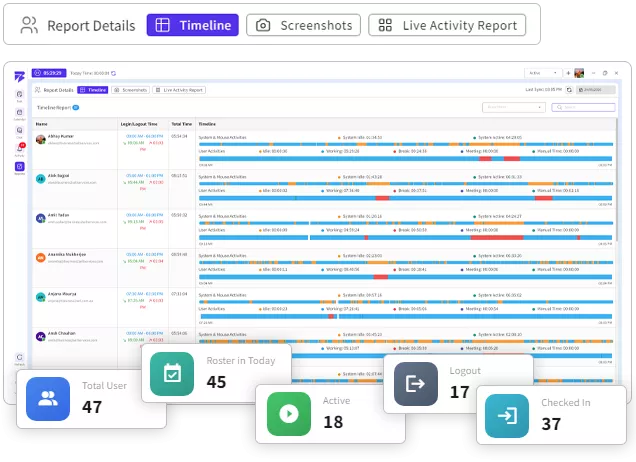
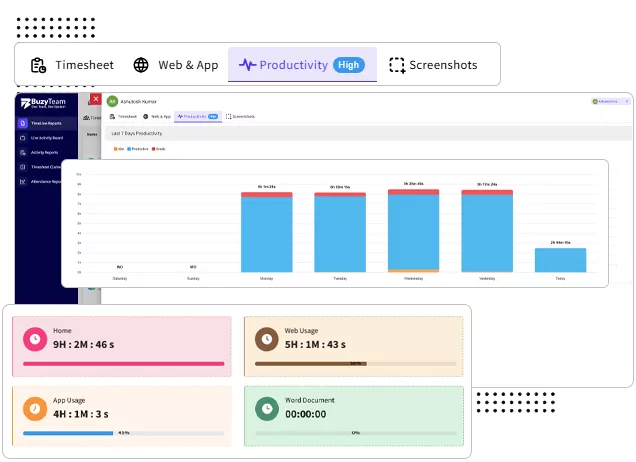
Track accurate records of your workforce using online time reports. See how they spent time on different tasks and projects for higher productivity.
-
 Comprehensive Reports
 -
Data Driven Analytics
BuzyTeam’s Windows time tracker lets you monitor how your team spent time, energy, and money to complete the project within an estimated budget. Easy to see, track and share reports across teams. You can also customise reports using multiple filters.
-
Easy Customisation Options
You can access your team's total working hours, productivity levels, and billable hours in a single report. Customise your report to avoid manual time tracking.
Know Us Better
Frequently Asked Questions
Here are answers to the most common questions to clear your doubts when using BuzyTeam Windows Time Tracker.
Yes, BuzyTeam for Windows offers a screen time tracker. This feature helps you overview how much time you’ve spent on your system each day. This way, you can spot bottlenecks and boost productivity.
The process is simple! Download Windows Time Tracker from BuzyTeam and turn it on when you start working. The app will run in the background to track your real time activity, browser usage and work patterns on screen.