
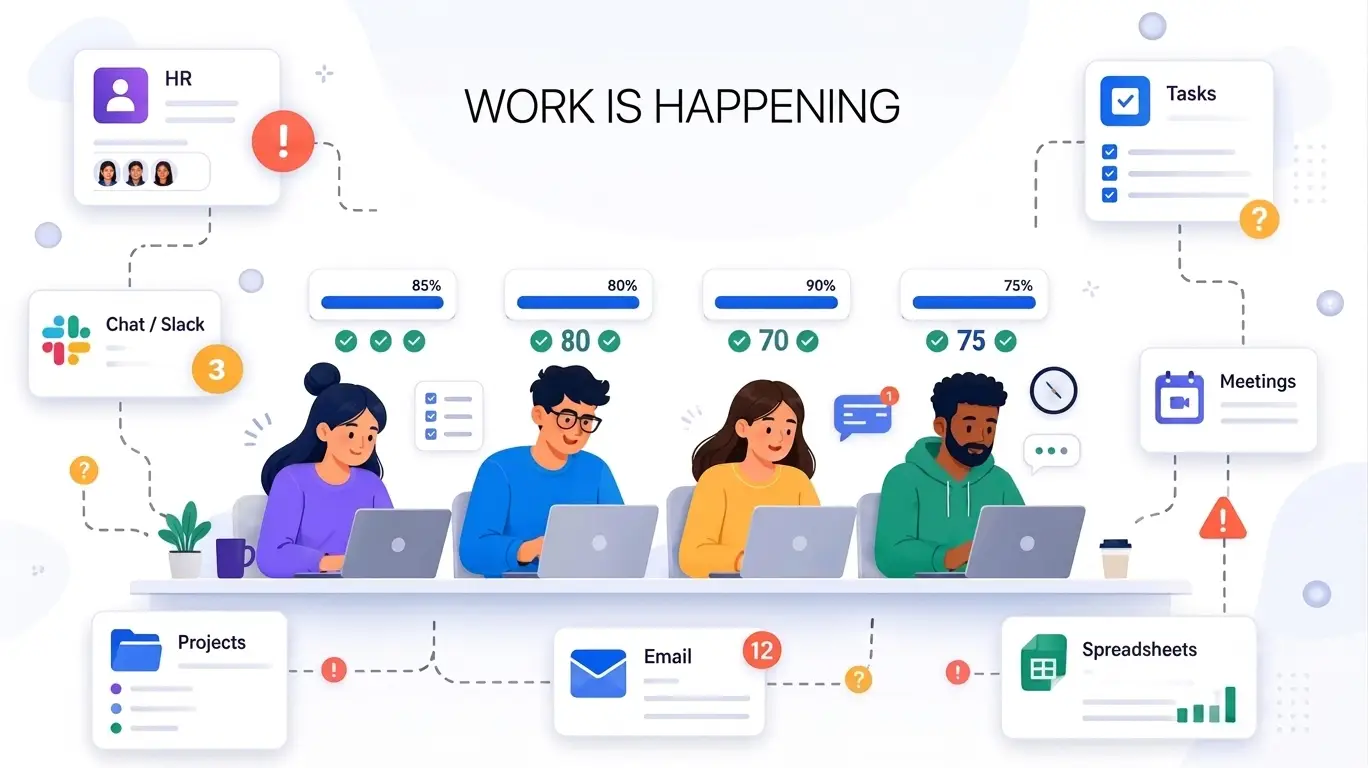


Streamline Operations
Develop a Productive Workplace with BuzyTeam!
Ensure the office team stays focused and productive in a thriving work environment, without micromanagement. Track active hours, monitor activities, app and website usage, project deadlines and timesheets to boost overall performance and productivity.
Boost Your Business Growth!
Empower Your Office Staff with Advanced Tracking Tools!
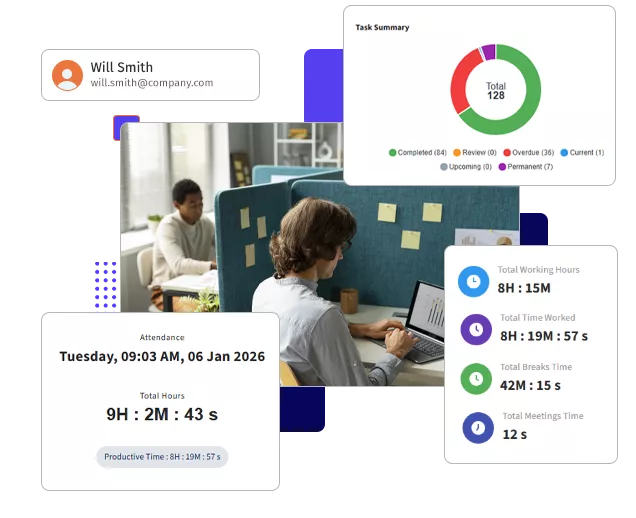
Employee Timesheets
Insightful Data for Well Informed DecisionsSmart teams need smart tools for effective management. BuzyTeam is a one-stop solution for time tracking, productivity management, resource management, and project and task management challenges. It enables businesses and managers to track their office workforce with ease, boosting productivity, streamlining workflows, and reducing bottlenecks.
- BuzyTeam tracks active hours, idle hours, break times, and manual entries of each employee.
- View minute-to-minute time data in a visual representation to evaluate office employee activities in real time.
- Employees can track their tasks, optimise work and stay on top of their game.
Complete Transparency
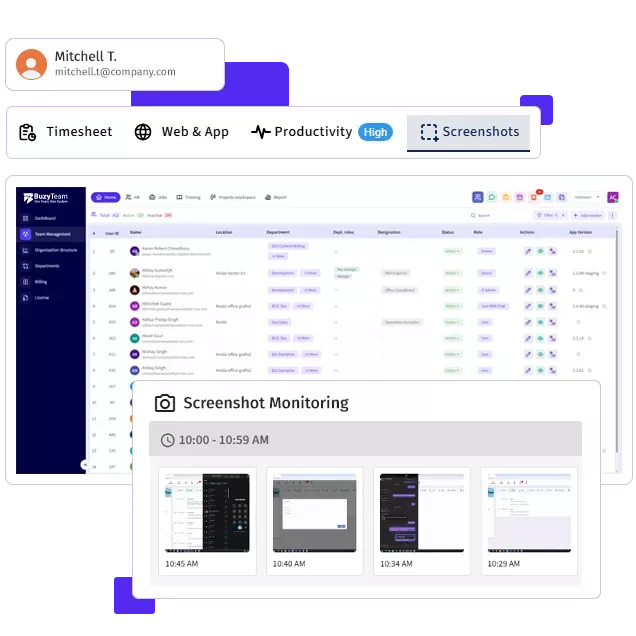
Bid Goodbye to Time WastersCheck apps and websites visited by office employees during work hours to focus on high value tasks and eliminate time theft or wasteful activities. This helps managers track users’ activity patterns to evaluate performance in real time.
- Optimise workflow by tracking the timesheets of each team member
- Increase task efficiency and complete projects before meeting the deadlines
- Capture screenshots at regular intervals
Resource Allocation
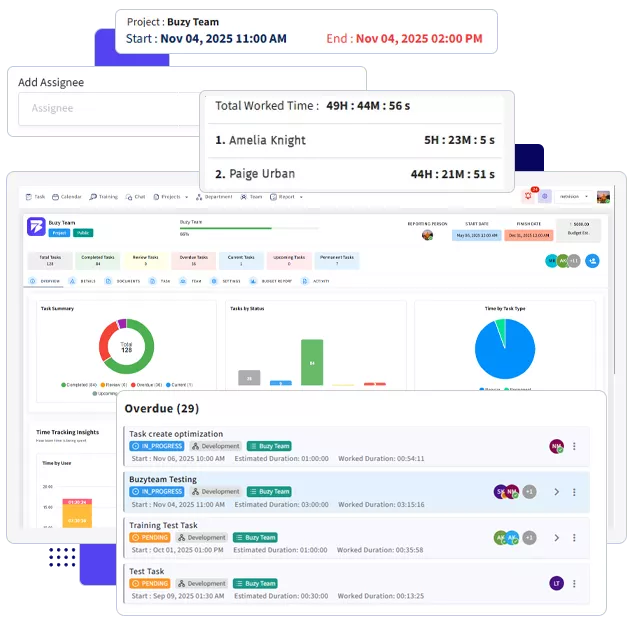
Seamless Workload DistributionA well balanced workload means a highly productive team within an organisation. Office Work Mode allows managers to assign, monitor and divide projects into manageable tasks for clarity and progress tracking in real time. The software lets you spot overworked or underutilised employees and reallocate tasks to maintain efficiency and efficacy.
- Visual task boards and performance metrics to assign tasks to the right people
- Keep your team engaged and motivated
- Reduce bottlenecks and operational inefficiencies
Work Smarter. Collaborate Faster.
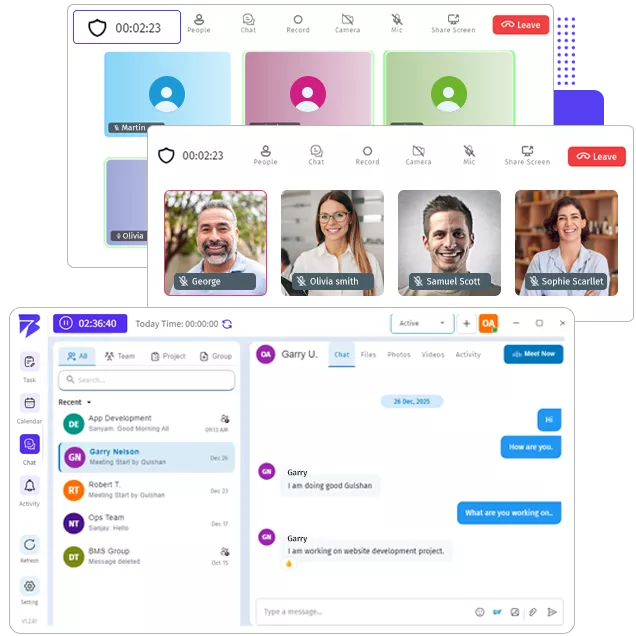
Centralised Collaboration & Communication For Office Workforce!No more communication gaps and missed documents when you have BuzyTeam’s Chat and Meeting feature. It makes coordination seamless. Teams don’t need to waste time generating endless email threads or missed updates. From discussing tasks and sharing files to making video calls, employees from different departments can engage in a single chat or create a separate chat group to stay organised while working.
- Quickly connect with your team for discussions and updates
- Plan, organise and join meetings from the dashboard without switching platforms
- Share tasks and files with your remote and hybrid teams and foster collaboration
Track Productivity
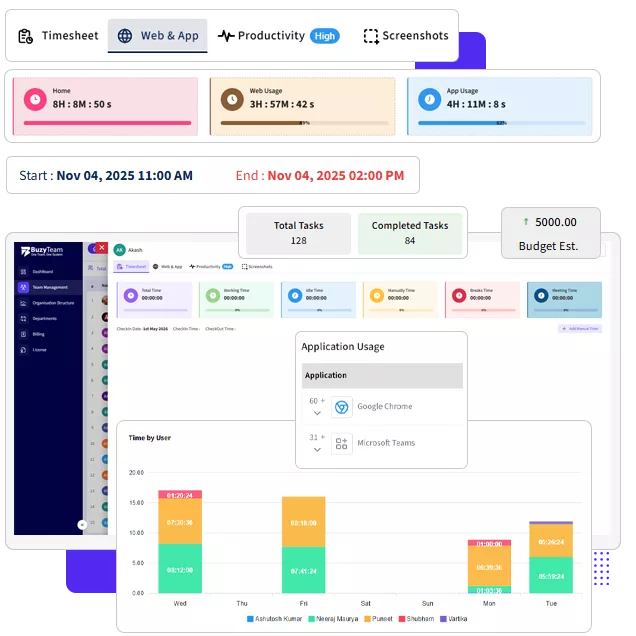
Transform Data into Insightful ReportsAre you stuck in the loop of manual supervision? BuzyTeam’s smart analytics, productivity graphs, charts and visual representation on total time spent on projects and tasks can help create data driven reports on the go. Check attendance, clock in and clock out entries, active hours vs idle hours, break times, manual entries, and overall activity levels to know the efficiency of your office workforce without micromanaging them.
- Evaluate time spent on tasks in real time
- Understand productivity patterns and analytics
- Monitor app and website usage while working to meet project deadlines
Monitor Office Employees with BuzyTeam
Designed for Office Work Mode to Maximise Productivity and Profits!

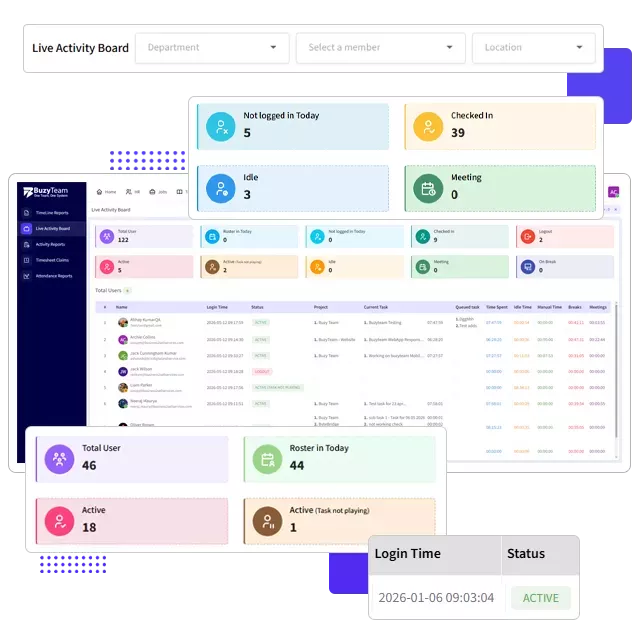
Real time attendance monitoring, detailed screenshots, and productivity tracking save hours of admin work in the office.
- Less paperwork, manual entries and risk of errors
- Access all employee and project insights on the go
- Seamless approvals and reporting

Managers have a complete track of their team's productive and unproductive hours, in-line tasks, and upcoming projects from an intuitive dashboard to evenly distribute the workload and prevent burnout.
- Address overworked or idle employees on the go
- Reassign tasks to the right people
- Use analytics to avoid project bottlenecks.

BuzyTeam allows you to sync employee timesheets with payroll systems to avoid manual errors and maintain compliance.
- Generate payroll driven reports for each team member
- Every minute is recorded and billed precisely
- Stay compliant with labour laws and company policy
BuzyTeam Features

Time Tracking
In-office employees can log in and log out with a single click and start the timer for a specified task or project, letting managers track their productive hours.

Attendance Monitoring
Managers can gain a complete overview of attendance analytics, late arrivals, early logouts, shifts, etc, to get precise reports for streamlined payroll.

Activity Tracking
Get a complete view of employee activity, ranging from app usage to screen insights and behaviour analytics, to drive better performance outcomes.

Task Monitoring
Check ongoing tasks, track the project and the employee’s individual progress and ensure deadlines are met without any hassle.